Good job in making your way to level 7! You should be better in using the find command to look for useful information now.
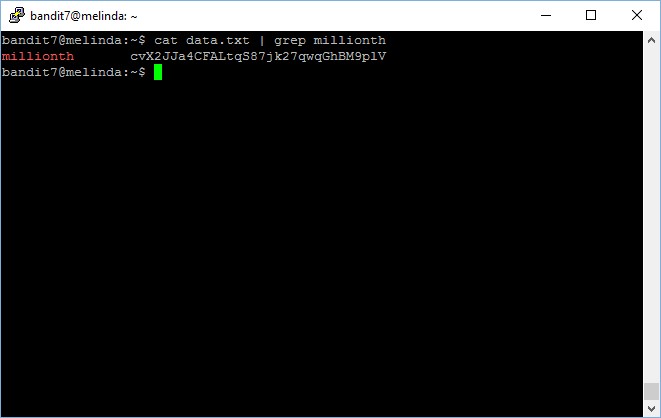
Level goal: The password for the next level is stored in the file data.txt next to the word millionth
This level is actually very simple and has a lot of ways to do it. Personally, I would prefer to simply cat the file and then grep the keyword mentioned in the hint, “millionth“.
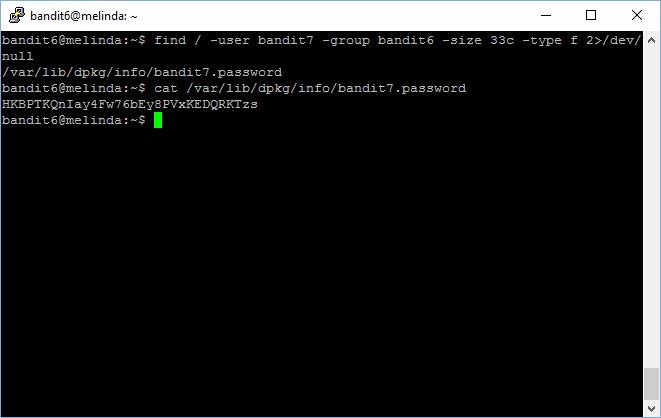
Level goal: The password for the next level is stored somewhere on the server and has all of the following properties: – owned by user bandit7 – owned by group bandit6 – 33 bytes in size
This level is very similar to the previous level, which you have already completed by now using the find command. However, in this level, we need to include more parameters to be more specific in what we want to search for, as the scope of search is the entire machine rather than just 80 files in a folder.
The above command basically perform a search on the root directory, as depicted by the slash (/) symbol right after the find command. Other parameters includes,
user, which defines the file owner, bandit7
group, which defines the file group, bandit6 in this case
size, which defines the size of the file. 33c means 33 bytes of characters
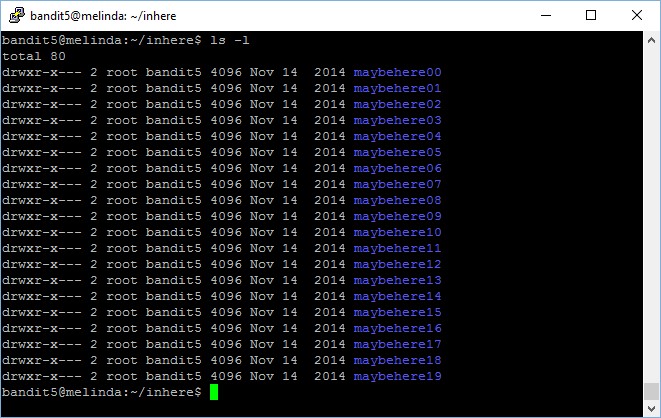
Like how we usually get started with any levels, the very first thing to do is always to run an ls command to find out what are the files that we have access to. In this case, wow, we are looking at 80 files.
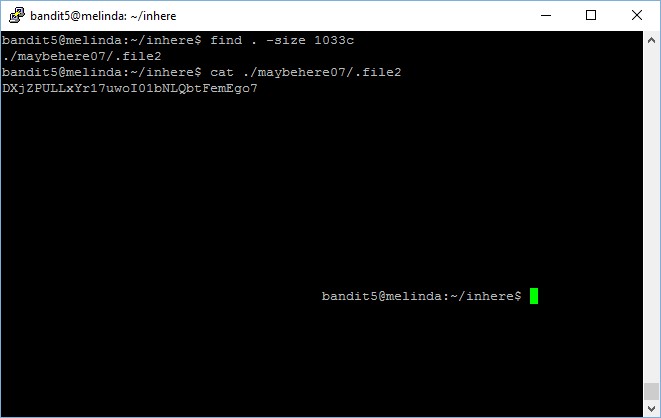
Level goal: The password for the next level is stored in a file somewhere under the inhere directory and has all of the following properties: – human-readable – 1033 bytes in size – not executable
Well, 80 files are way too many for manual checking, just imagine yourself running cat on every single file, that is not only crazy, but also not practical – what if there are 8000 files instead of 80 files?
We need to narrow down the scope using the hints given to us, for instance, a file that is human-readable and 1033 bytes in size.
The find command is extremely handy in such situation, you can make use of the size and readable parameters as below,
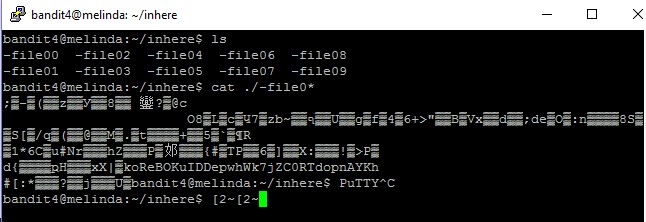
The password for the next level is stored in the only human-readable file in the inhere directory. Tip: if your terminal is messed up, try the “reset” command.
Since only one file is human-readable and contains the password to the next round, instead of opening all the files one by one and read its content, why not print all its content and spot the password?